949t Register: Open Your Account in Four Steps

Type a mobile number you can reach, pick a password, confirm the terms. The 949t register form takes about two minutes on a phone. You need to be 18 or older, in Bangladesh, and the SIM must be registered in your own name.

Already signed up? Use 949t Login for the return visit.

  • 18+ only
  • Mobile sign-up
  • bKash & Nagad
  • 24/7 Live Chat

18+ · Play Responsibly · For players in Bangladesh only.

Create Your Account

Three fields and one checkbox. We send a single SMS code to confirm the number.

Enter an 11-digit number that starts with 01.

The SIM you keep with you. It becomes your login.

Use 8 characters or more, mixing letters and numbers.

Never share it. Support will not ask for it.

The two passwords must match exactly.

Capital letters count, so watch the shift key.

Only fill this if a friend sent you their code.

Already have an account? Log in with your number

Do These Four Things Right After the Form

The account exists the moment you submit, but a few small decisions shape the first week. Take them in this order and nothing catches you out later.

Confirm the SMS code

The code goes to the number you typed, so keep that SIM in the phone you are holding. It normally lands inside a minute. If nothing arrives, wait for the resend timer rather than submitting the form again, and check the signal bar before you try once more.
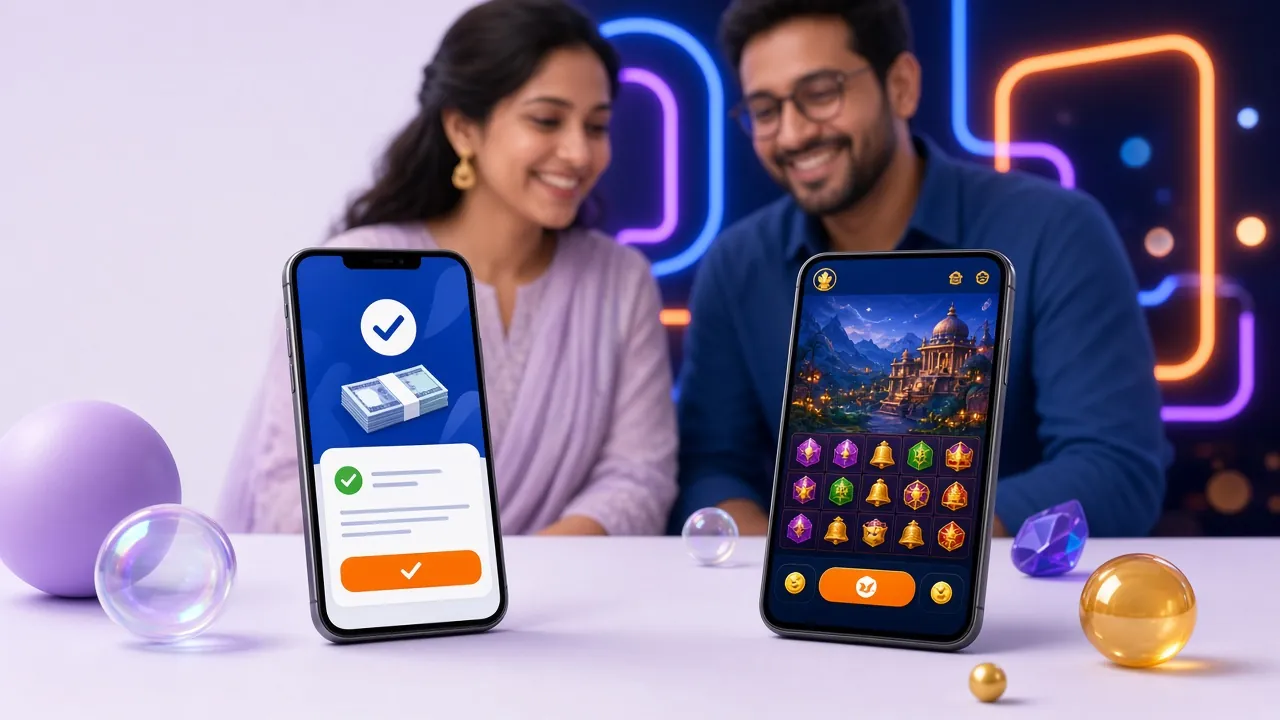
Fund the wallet

Deposits start at ৳400 and can come from bKash, Nagad, Rocket, Upay or a bank transfer. Most top-ups settle in about 4 minutes. Send from an account in your own name, because a name mismatch on a mobile wallet shows up later, at the withdrawal stage.

Tick the bonus before money moves

The welcome offer is 160% up to ৳18,500, and it must be selected before the deposit is confirmed, not after it clears. Read the 6× wagering condition first so you know what the extra credit actually asks of your balance.

Send your documents early

Identity checks take a NID card, passport or driving licence. Review takes up to 24 hours and has to be finished before your first withdrawal. After that, a request of ৳600 or more usually clears in about 45 minutes, so uploading on day one saves waiting later.

What the First Deposit Actually Pays

One top-up, one match, one set of conditions. Read the table before you claim, not after.

What Each Field Wants, and Why

Player entering a mobile number on a smartphone to finish the 949t register form
The number you type at sign-up becomes your login and the place every SMS code arrives.

Five entries, four of them quick. Only the identity details come later, during verification.

FieldWhat it must beWhy it matters
Mobile number11 digits, starting 01, no spacesYour login, your SMS codes and the number withdrawals are checked against. One number per person.
Password8 characters or more, letters and numbersProtects the balance on a shared phone. Nobody at support will ever request it.
Confirm passwordIdentical to the first entryCatches a stray capital letter before the account is created instead of after.
Referral codeOptional textCredits the person who invited you. Leave it blank if nobody did; a guessed code will be refused.
Terms checkboxMust be tickedConfirms you are 18 or older and accept the account rules for Bangladesh.
Full name (later)Exactly as printed on your NIDAdded at the KYC step, not at sign-up. A mismatch blocks the first payout.

Register in Four Steps, Start to Finish

  1. Enter your mobile number

    Open the 949t register form and type the 11-digit Bangladeshi format beginning with 01, with no spaces and no country code. This number becomes your login, so use the SIM that stays in the phone you actually bet from.

  2. Set and confirm a password

    Choose eight characters or more and mix letters with numbers. Type it again in the confirm box. Both entries must match exactly, and one wrong capital letter is the most common reason the form stops and asks you to try again.

  3. Add a referral code and accept the terms

    If a friend gave you a code, paste it in the optional field. Then read the terms, tick the box and press Register Now. That tick confirms two things: you are 18 or older and you accept the account rules.

  4. Enter the SMS code and sign in

    Watch for the message and type the code on the next screen. Once it is accepted you land in the lobby and can deposit from bKash or Nagad. On your next visit, log in with the same number and password.

Signing up on a phone?

Install the Android build and skip the browser next time. The APK is 28 MB, needs Android 6.0 or newer, costs nothing, and runs the same account. Get it from the 949t App page, then log in with the number you just registered.

When Registration Fails, Check These Blocks

Almost every stopped sign-up falls into one of five patterns. Match your message to the table before you try the form a third time.

Error messages are quoted as they appear on screen.
What you seeLikely causeWhat to do
Number already registered An account already exists on that SIM, possibly opened by a family member sharing the phone. Try the login page with that number first and reset the password if it is not yours. One account per person and per number is the rule.
Code never arrives Weak signal, a full inbox, or one wrong digit typed into the number field. Read the number back on screen, move somewhere with signal, then tap resend once the timer runs out. Keep the page open while you wait.
Password rejected Fewer than eight characters, or the confirm box does not match the first entry. Type both boxes slowly instead of pasting, and watch the shift key. Text copied from a notes app often carries a hidden space at the end.
Page reloads with an empty form A dropped connection, a data saver, or an old cached page loading from the phone. Switch to mobile data, refresh before typing so the form starts fresh, and submit once. Do not tap the button twice while it spins.
Referral code refused A typo, or a code belonging to an account that has not finished verification. Leave the field empty and finish registering, then ask live chat to attach the code to your account. Do not invent a code to get past the step.

Questions Players Ask Before Signing Up

How long does the 949t register form take?
Most people finish in two to three minutes. Four inputs, one checkbox and a single SMS code, and that is the whole flow. Have the phone in your hand before you start, and store the password somewhere safe, because the confirmation screen will not show it to you again.
What should I do if registration fails?
Note the exact wording on screen before you retry. "Already registered" sends you to the login page, while an expired code needs a fresh SMS. If the form keeps rejecting a field you know is correct, open 24/7 live chat and send a screenshot so support can check whether the number is blocked.
I forgot the password I just chose. Can I get back in?
Yes. Open the 949t Login page and use the reset link under the form. The reset goes to the same mobile number by SMS, and you set a new password there. Your account, wallet balance and any bonus already credited stay exactly as they were.
The verification code never arrives. What next?
Give it two minutes, then press resend once. Check that the number on screen has all eleven digits and that the phone is not sitting in a mode that drops SMS. If the SIM was swapped recently, the old number will not receive anything, so register again with the new one.
Can I register inside the Android app?
The sign-up form in the app is the same one, with the same fields. The file is 28 MB, needs Android 6.0 or newer and installs free. Download it from the 949t App page, allow installs from your browser once, then register or log in with the same number.
Does one account cover casino games and cricket?
One account holds everything: slots, live tables and the sports markets, with the same wallet for all of them. Bonus rules differ by section, so read which games count toward wagering on the 949t Casino page before you claim the welcome offer.